Kinemaster Pro Mod Apk Download
The APKMirror Store Survival Guide
Master APKMirror store: sideload safely, install split APKs, troubleshoot errors, and bypass Play Integrity with our ultimate guide.

What the APKMirror Store Is and How to Use It Safely
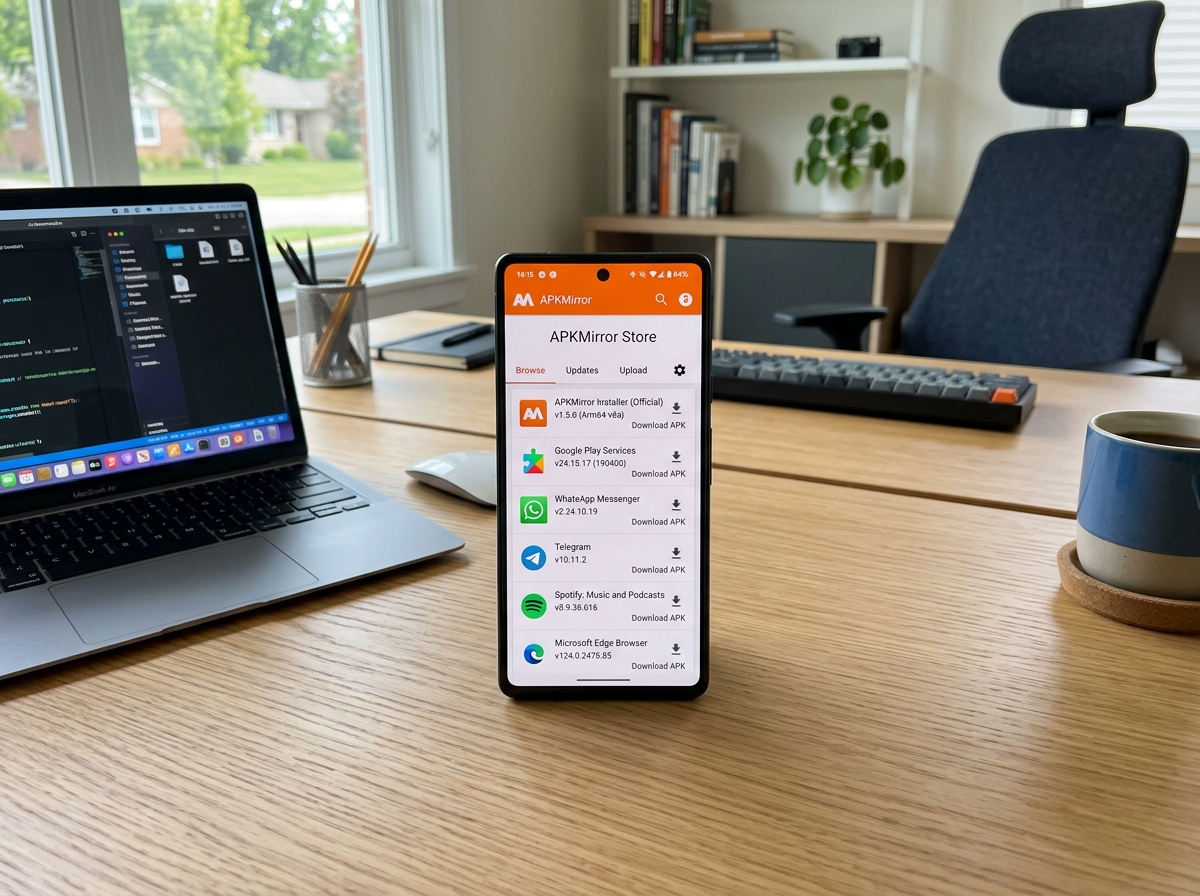
The apkmirror store is a free, manually verified Android APK repository where you can download official app versions — including older releases, beta builds, and split APKs — outside of the Google Play Store.
Here’s a quick overview of what you can do there:
- Download any version of an app, including older ones you can roll back to
- Access beta and staged rollout builds before they reach your device automatically
- Install split APKs and app bundles using the free APKMirror Installer app
- Find region-locked apps not available in your country’s Play Store
- Get faster updates before Google’s gradual rollout reaches you
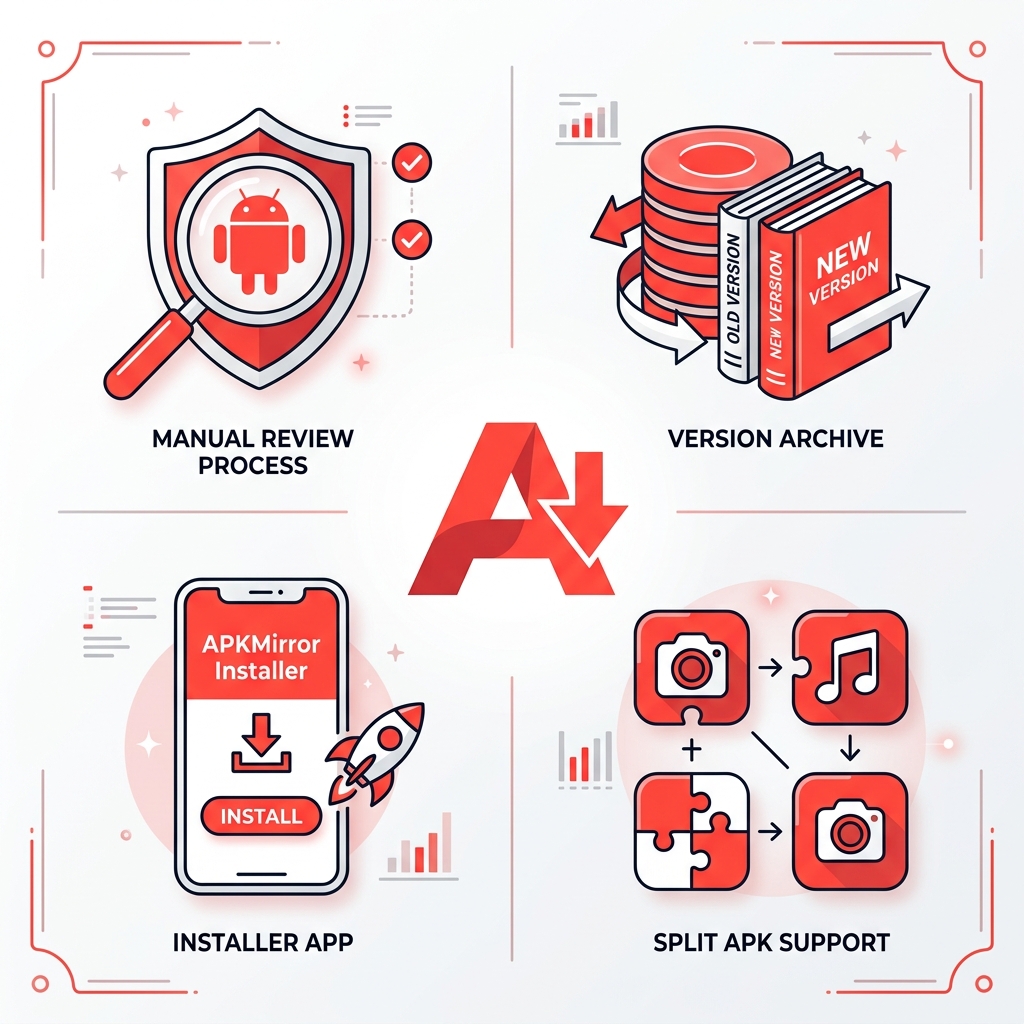
Every APK on the site is reviewed by hand before it goes live. The platform currently hosts over 28,000 APK pages and the official installer app alone has been downloaded more than 5 million times.
This isn’t a store in the traditional sense. There are no paid listings or in-app purchases. It’s closer to a carefully curated archive — one with real safety checks behind it.
I’m Faisal Shahzad, and through years of helping mobile creators find safe, reliable APK sources via the apkmirror store, I’ve learned exactly what works and what to avoid. Let’s walk through everything you need to know to sideload apps with confidence.
Understanding the apkmirror store Ecosystem
When we talk about the apkmirror store, we aren’t talking about a fly-by-night operation. This platform is a cornerstone of the Android community. It was founded in 2014 by Artem Russakovskii as a sister property to the massive news site Android Police. While Android Police was eventually acquired by Valnet Inc. in 2021, APKMirror remains independent, operated by Illogical Robot LLC.
The primary purpose of the site is to act as a living archive. Have you ever updated an app only to find the new interface is terrible or a key feature is missing? That is where this ecosystem shines. It allows for version rollbacks, giving us the power to decide which version of software runs on our hardware. It is also the go-to spot for staged rollouts. Often, Google or other developers release an update to only 5% of users. By using the apkmirror store, the other 95% of us can grab that update immediately.
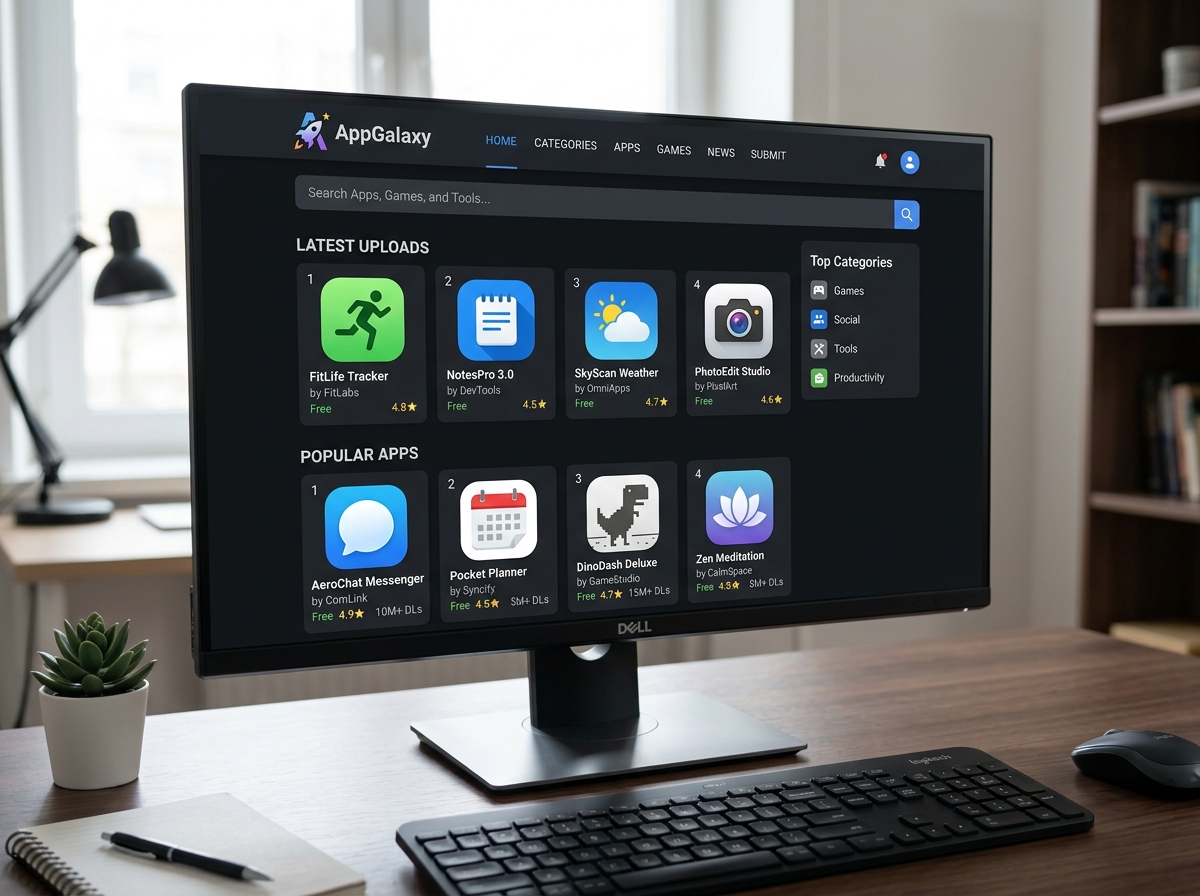
Safety and Verification in the apkmirror store
One of the most common questions we hear is: “Is it safe?” In sideloading, safety is everything. The apkmirror store uses a multi-layered verification process that sets it apart from generic APK sites.
First, they utilize cryptographic signatures. Every Android app has a unique digital fingerprint. When a developer uploads an update, APKMirror ensures the signature matches the original version. If the signatures don’t match, the app is rejected. This prevents “bad actors” from injecting malware into a popular app and pretending it’s an official update.
Furthermore, the site has been protected against the Janus vulnerability since day one. They also keep up with modern standards like Signature Scheme v3, which allows for key rotations. Every single upload is manually reviewed by a human team before it is published. This curation ensures that the apps we download are exactly what the developers intended them to be.
Navigating the apkmirror store for Correct Variants
If you’ve ever browsed the site, you’ve likely seen a confusing list of “variants” for a single app version. Choosing the wrong one is the #1 reason for installation failures. Here is what we need to look for:
- CPU Architecture: This is the “language” your processor speaks.
- arm64-v8a: The standard for almost all modern smartphones.
- armeabi-v7a: Found in older or very budget-friendly devices.
- x86 / x86_64: Usually reserved for Android emulators on PCs or some tablets.
- Screen DPI (Dots Per Inch): This determines how the app scales on your screen.
- If you see nodpi, grab it! It’s a “one-size-fits-all” version that works on any screen, though the file size might be slightly larger.
- Android Version: Always check the “Minimum Version.” You cannot install an app designed for Android 12 on a phone running Android 10.
To find your specific device info, we recommend using a tool like Droid Hardware Info. It will tell you exactly which architecture and DPI your phone uses so you can pick the right file from the apkmirror store.
Mastering Split APKs and .apkm Files
In mid-2018, Google changed the game by introducing Android App Bundles. Instead of one giant APK, developers now use “dynamic delivery.” This means your phone only downloads the parts of the app it actually needs (the “base” plus “splits” for your specific language, architecture, and screen density).
This is great for saving storage, but it made manual sideloading a nightmare. You can’t just tap a split APK to install it; your phone will throw an error because it’s missing the other “chunks.” To solve this, the team created the .apkm format—a special container that holds all those splits together.
The APKMirror Installer (Official)
Because Android’s default installer doesn’t understand .apkm files, you need a helper. The APKMirror Installer on Play Store has over 5 million downloads for a reason. It is the bridge that makes app bundles easy to handle.
When you open an .apkm file with this installer, it analyzes your device and selects only the necessary splits. This is a form of storage optimization—you aren’t wasting space on Spanish language files if your phone is set to English. Another massive benefit? Failure diagnosis. If a regular APK fails to install, the APKMirror Installer will tell you the exact reason why (e.g., “Architecture mismatch” or “Incompatible Android version”) instead of just saying “App not installed.”
Troubleshooting Common Sideloading Errors
Even with the best tools, you might hit a snag. Here is a breakdown of the most common issues we encounter when using the apkmirror store.
| Error Message | Likely Cause | The Fix |
|---|---|---|
| Parsing Error | Incompatible Android version or corrupt file. | Check the “Minimum Android” requirement or redownload the file. |
| Signature Mismatch | You’re trying to update an app with a version from a different developer/source. | You must uninstall the existing app first (Warning: this deletes app data). |
| Install Button Grayed Out | A screen-dimming app (like Lux or Twilight) is active. | Disable any “blue light filter” or dimming apps temporarily. |
| App Not Installed | Usually an architecture mismatch (e.g., trying to put arm64 on a 32-bit device). | Verify your CPU architecture and download the matching variant. |
The MIUI Optimization Workaround
Xiaomi, Redmi, and Poco users often face a unique hurdle. Xiaomi modified the part of Android that handles split APKs. If you get a “Verification Failed” error on MIUI, there is a known workaround. You need to go into Developer Settings and disable “MIUI Optimization.” Once disabled, the installation should succeed. You can usually turn it back on after the app is installed.
Bypassing Play Integrity and Advanced Protection
Google has recently ramped up security with the Play Integrity API. This allows developers to block sideloaded apps from running, showing a message like “Get this app from Play.” While tools like Shizuku or ADB commands once worked to bypass this, Android 14+ has made this much harder. In many cases, a root solution) is now the only way to bypass these checks for heavily protected apps.
Additionally, if you are enrolled in Google’s Advanced Protection Program, you are restricted from “simple tap” sideloading. You can only install apps via the Play Store or by using ADB commands through a computer.
Frequently Asked Questions about APKMirror
Can I update sideloaded apps via the Play Store?
Yes! This is one of the best features of the Android system. As long as the apkmirror store version you installed has the same cryptographic signature as the Play Store version, Google Play will recognize it as a legitimate app. When a newer version comes out on the Play Store, it will update automatically just like any other app.
Does APKMirror host paid or pirated apps?
No. The platform has a very strict no-piracy policy. You will not find “cracked” versions of paid games here. There are very rare exceptions, like MX Player Pro, where developers provide public beta test builds of their paid apps. However, these still usually require a license check to ensure you actually bought the app.
Why are some app versions missing?
Sometimes, a developer will request that the apkmirror store remove their apps or only keep the most recent versions available. The site respects these requests to maintain good relationships with creators. In other cases, an APK might be missing simply because no one in the community has uploaded that specific version yet.
Conclusion
Sideloading gives us the freedom to use our devices exactly how we want. Whether you’re rolling back a buggy update or grabbing a new feature before your neighbors, the apkmirror store is an essential tool in your kit. By understanding architectures, DPIs, and the importance of the official installer, you can navigate APKs safely.
For those of us in the creative space, having the right tools is just as important as having the right software. If you’re looking for more specialized versions, you might want to check out more info on kinemaster-diamond-apk-mirror.
At KineMaster APK, we believe in empowering creators. Our versions of the KineMaster app provide free access to premium features like 4K export, professional templates, and a watermark-free experience—bypassing official subscriptions to let your creativity run wild. Ready to start editing like a pro? Download KineMaster APK today and take your mobile video production to the next level!










 Best Kinemaster MODs9 months ago
Kinemaster for Beginners: Your First Video in 15 Minutes (No Experience Needed)

 Kinemaster Black2 years ago
KineMaster Black Download Latest Version v8.5

 Red Kinemaster Download2 years ago
Red Kinemaster Download Apk Latest Version v7.4.11.32428.GP Without Watermark
- Kinemaster Old Version2 years ago
KineMaster Old Versions 7.4.10.32410.GP Without Mark
- Kinemaster Diamond Mod Apk2 years ago
Kinemaster Diamond Mod Apk Download Pro Version V7.4.0.32260.GP
- Kinemaster without watermark2 years ago
Kinemaster without watermark Download Latest Version 4.15.5.17370.GP
- Best Kinemaster MODs11 months ago
kinemaster pro apk download 2025 full unlocked + no watermark kinemaster mod apk
- Kinemaster Blue Apk2 years ago
Kinemaster Blue Apk Download Without Watermark | Latest Version]