Kinemaster Pro Mod Apk Download
Stop Searching and Start Downloading at These Safe APK Sites
Discover safe apk download sites like APKMirror, F-Droid & APKPure. Verify APKs securely, avoid risks & install top Android apps now!

The Fastest Way to Find Safe APK Download Sites (Without Getting Burned)
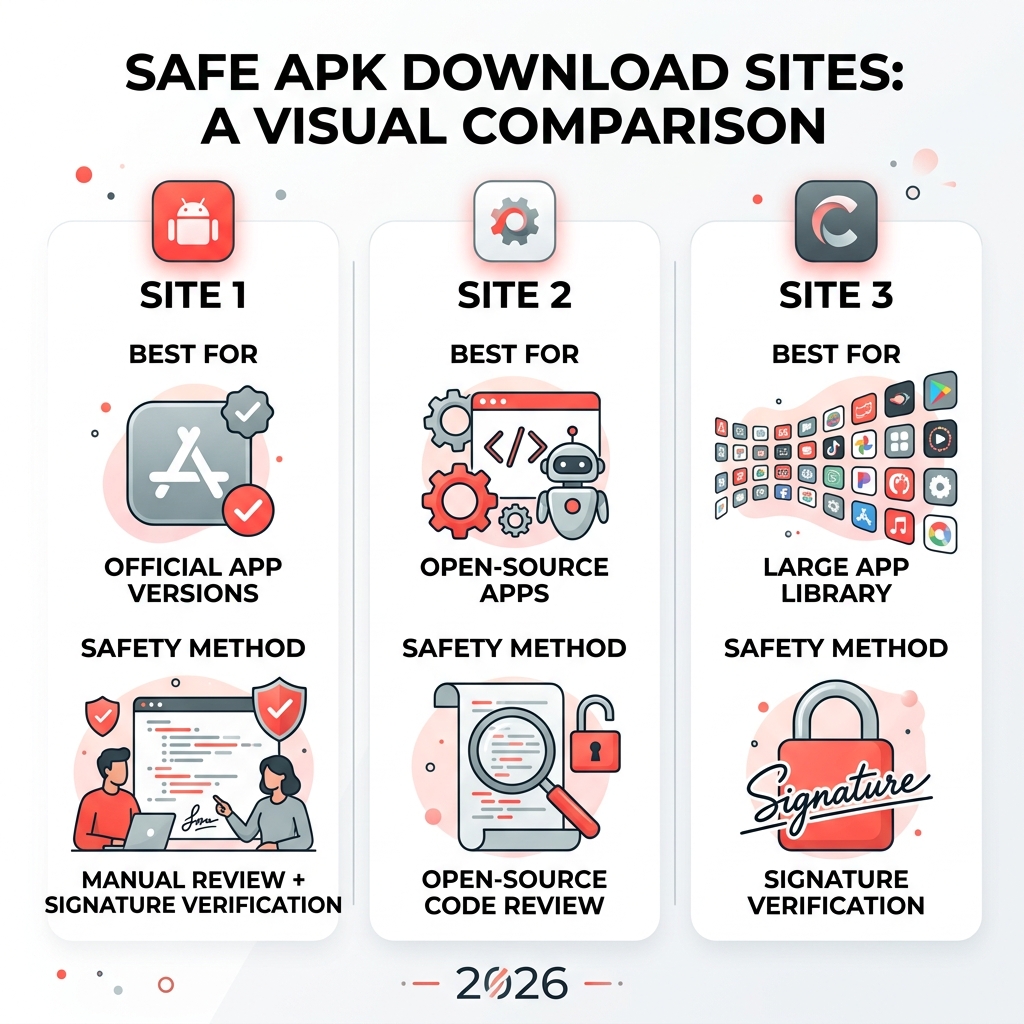
Safe APK download sites are a must-know for anyone who wants to install Android apps outside the Google Play Store. Here are the most trusted options right now:
| Site | Best For | Safety Method |
|---|---|---|
| APKMirror | Official app versions | Manual review + signature verification |
| F-Droid | Open-source apps | Open-source code review |
| APKPure | Large app library | Signature verification |
Every year, millions of Android users download apps from outside the Play Store. Maybe an app is blocked in their region. Maybe they need an older version. Maybe they just want more control over what’s on their device.
But here’s the problem: not every site offering APK downloads is safe. Some sites inject ads, spyware, or worse into the files they host. Forum users have even reported finding phishing tools attached to apps downloaded from unofficial sources.
The good news? A handful of well-known sites have built strong reputations for keeping downloads clean and verified. Knowing which ones to trust makes all the difference.
I’m Faisal Shahzad, and through my work at KineMaster APK I’ve spent years navigating safe APK download sites to help mobile editors get premium tools without unnecessary risk. In the sections below, I’ll walk you through exactly which sites to use and how to stay protected.
Why You Need Safe APK Download Sites
While the Google Play Store is the default choice for billions, it isn’t always the perfect solution. We often encounter barriers that make safe APK download sites a necessity rather than a luxury. One of the biggest shifts in recent years is the move toward app bundles. This technology allows Google to serve smaller file sizes by sending only the code your specific device needs. However, it makes sharing apps between devices much harder, leading many to seek out full APK files from third-party repositories.
Breaking Through Geo-Locking
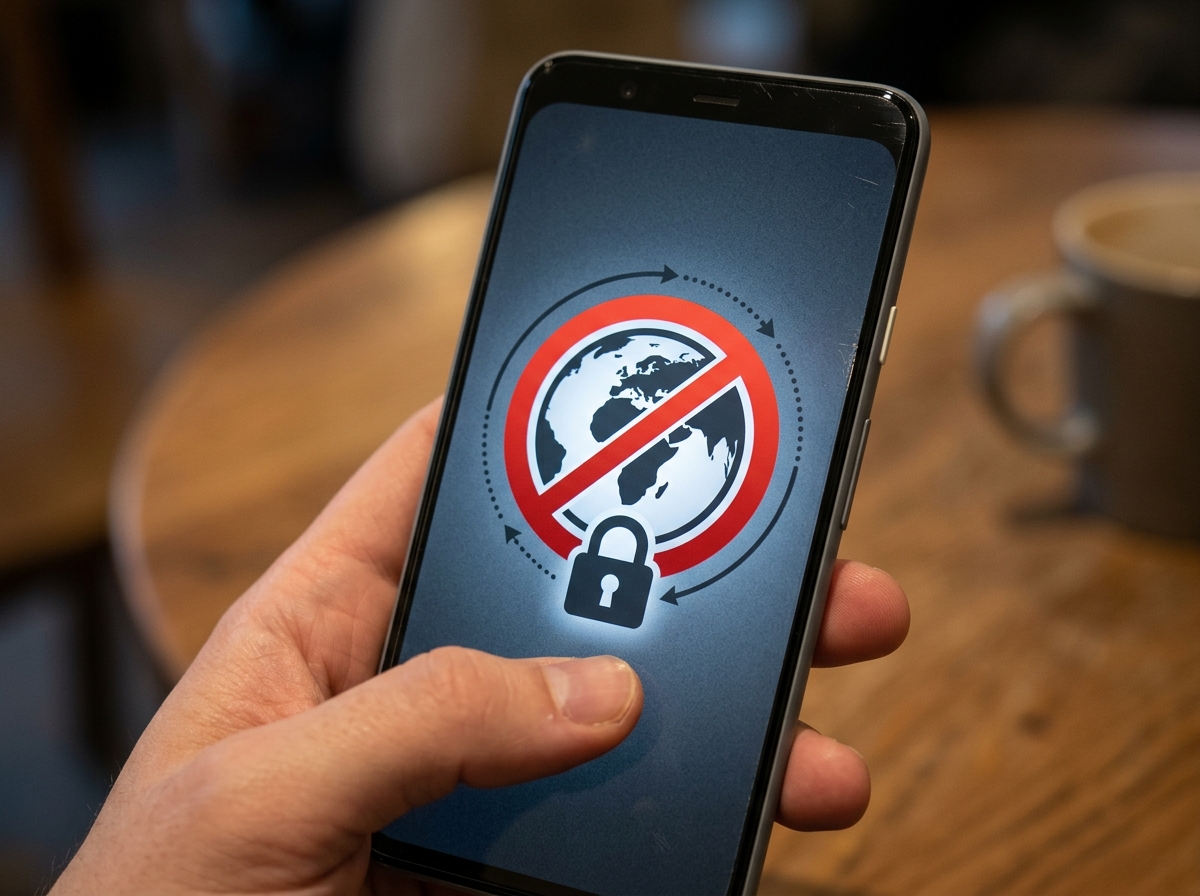
Have you ever searched for an exciting new game or a helpful utility only to see the dreaded “This item isn’t available in your country” message? Geo-locking is a common frustration. Whether it’s a regional beta test or a licensing restriction, official stores often gatekeep content based on your GPS coordinates. Reliable APK sites allow us to bypass these digital borders, giving us global access to the tools we want.
The Power of Version Rollback
Updates aren’t always improvements. Sometimes a developer removes a favorite feature, introduces a buggy interface, or adds intrusive ads. In the Play Store, once you update, there is usually no “undo” button. By using trusted repositories, we can find archived versions of apps. This “version rollback” ensures that if an update breaks your workflow, you can simply uninstall it and reinstall the version that worked perfectly.
Play Protect and Sideloading
When you install an APK from outside the store—a process known as sideloading—your device might show a warning. This is a standard security measure. However, as long as you are sourcing your files from verified platforms, these warnings are simply reminders to stay vigilant. Google Play Protect still scans sideloaded apps for known malware, providing an extra layer of defense even when you aren’t using the official store.
Top-Rated Portals for Secure Android Apps
When we talk about security in APKs, we are really talking about “integrity.” This means ensuring the file you download is exactly what the developer intended, with no “extra” malicious code hidden inside. Reputable sites use several technical methods to prove this:
- Signature Verification: Every Android app is digitally signed by its creator. Safe sites check this signature against previous versions. If the signatures don’t match, it means the file has been tampered with, and the site won’t host it.
- Cryptographic Hashes (MD5, SHA-1, SHA-256): These are like digital fingerprints for files. By comparing the hash of a downloaded file to the official hash provided by the developer, we can confirm the file hasn’t been altered by even a single byte.
| Feature | APKMirror | APKPure | F-Droid |
|---|---|---|---|
| Manual Review | Yes (Strict) | Automated + Community | Yes (Code-based) |
| App Types | Free/Official | Free/XAPK/Region-free | Open Source Only |
| Account Required | No | No | No |
| Modded Apps | No | No | No |
APKMirror: The Gold Standard for Safe APK Download Sites
If you ask any Android enthusiast for a recommendation, APKMirror is usually the first name mentioned. It is run by the team behind Android Police, one of the most respected news sites in the industry.
What makes it so safe? They have a zero-tolerance policy for pirated or “cracked” content. They only host free apps and use a rigorous manual curation process. Every file is checked for cryptographic signatures to ensure it is the original, unmodified version from the developer. With over 28,000 pages of listings, it is a massive, highly organized library that feels more like a professional archive than a typical download site.
F-Droid: The Privacy-First Safe APK Download Sites Option
For those who value privacy and transparency above all else, F-Droid is the ultimate destination. F-Droid is a repository exclusively for Free and Open Source Software (FOSS).
Unlike other stores, F-Droid builds the apps from the source code themselves. This ensures that there are no hidden tracking scripts or “phone home” features that the developer didn’t disclose. If an app contains “anti-features” like advertising or tracking, F-Droid clearly labels them. It’s a community-driven ecosystem where user freedom is the top priority.
APKPure: A Massive Library with Signature Verification
With a staggering 200 million users worldwide, APKPure is a heavyweight in the third-party store market. It is particularly famous for its support of the XAPK format—a file type that bundles the APK and the OBB data files together, making it much easier to install large, high-end games with a single click.
APKPure claims that every app hosted on their platform has been signature-verified for safety. While they offer a more “store-like” experience with an official app and social features, they remain a top choice for those looking for apps that are unavailable or restricted on the Play Store.
How to Verify APK Safety Before Installation
Even when using safe apk download sites, a “trust but verify” approach is the smartest way to handle your mobile security. You don’t need to be a coding genius to check a file’s safety.
- Use VirusTotal: This is a free online service that scans files using over 70 different antivirus scanners and URL/domain blacklisting services. Before you click “Install,” upload the APK to VirusTotal. If it comes back clean across the board, you’re likely safe.
- Check Permissions: During the installation process, Android will show you what parts of your phone the app wants to access. Does a simple calculator app need access to your contacts and microphone? If the permissions don’t match the app’s function, cancel the install.
- Hash Matching: If you are extra cautious, you can use a hash calculator app to check the SHA-256 hash of your file and compare it to the one listed on the safe download site.
According to security research, the majority of mobile infections come from “repackaged” apps—legitimate apps that have been opened up, injected with malware, and closed back up. By sticking to sites that verify signatures, you effectively eliminate this risk.
Frequently Asked Questions about APK Security
Are third-party APKs legal to download?
Generally, yes. Downloading an APK file is not illegal in itself. However, the content of the APK matters. Downloading free, open-source, or officially free apps from third-party sites is perfectly legal. On the other hand, downloading “cracked” versions of paid apps (piracy) is a violation of copyright laws. We always recommend using these sites to access free tools or versions you already have a right to use.
What are the risks of using untrusted sources?
The risks are significant. “Sketchy” sites often host modified files that can include:
- Adware: Flooding your phone with unclosable pop-up ads.
- Spyware: Stealing your login credentials, messages, or photos.
- Phishing Tools: Specifically designed to look like login screens for banking or social media apps to steal your passwords.
- Ransomware: Locking your files and demanding payment to unlock them.
This is why sticking to established names like APKMirror and F-Droid is non-negotiable for your digital health.
How do I fix Play Store compatibility warnings?
If the Play Store says your device isn’t compatible, it might be due to your Android version, screen resolution, or geographic location. You can often “fix” this by downloading the correct APK version for your hardware from a safe site. For example, if you have an older tablet, look for the “arm-v7a” version of an app on APKMirror rather than the “arm64-v8a” version meant for newer phones.
Conclusion
Navigating Android apps doesn’t have to be restricted by the walls of the official Play Store. By using safe apk download sites, you regain control over your device, allowing you to bypass regional blocks, roll back bad updates, and discover amazing open-source projects.
Security should always be your first priority. Stick to verified sources, pay attention to permissions, and use tools like VirusTotal to keep your data safe.
If you’re looking for a powerful way to create content without the usual limitations, we invite you to explore what we offer. At KineMaster APK, we provide a secure way to access professional editing tools. Our versions allow you to unlock the full potential of your creativity with premium features like 4K export and high-end templates—all without the watermark. Start your editing journey safely today!










 Best Kinemaster MODs9 months ago
Kinemaster for Beginners: Your First Video in 15 Minutes (No Experience Needed)

 Kinemaster Black2 years ago
KineMaster Black Download Latest Version v8.5

 Red Kinemaster Download2 years ago
Red Kinemaster Download Apk Latest Version v7.4.11.32428.GP Without Watermark
- Kinemaster Old Version2 years ago
KineMaster Old Versions 7.4.10.32410.GP Without Mark
- Kinemaster Diamond Mod Apk2 years ago
Kinemaster Diamond Mod Apk Download Pro Version V7.4.0.32260.GP
- Kinemaster without watermark2 years ago
Kinemaster without watermark Download Latest Version 4.15.5.17370.GP
- Best Kinemaster MODs11 months ago
kinemaster pro apk download 2025 full unlocked + no watermark kinemaster mod apk
- Kinemaster Blue Apk2 years ago
Kinemaster Blue Apk Download Without Watermark | Latest Version]