Kinemaster For Pc
Clean Cuts Only for Your PC with These Free Editors
Discover free editing without watermark on PC with KineMaster via emulator. Export 4K videos watermark-free easily!

Why Free Editing Without Watermark Matters for Your Content
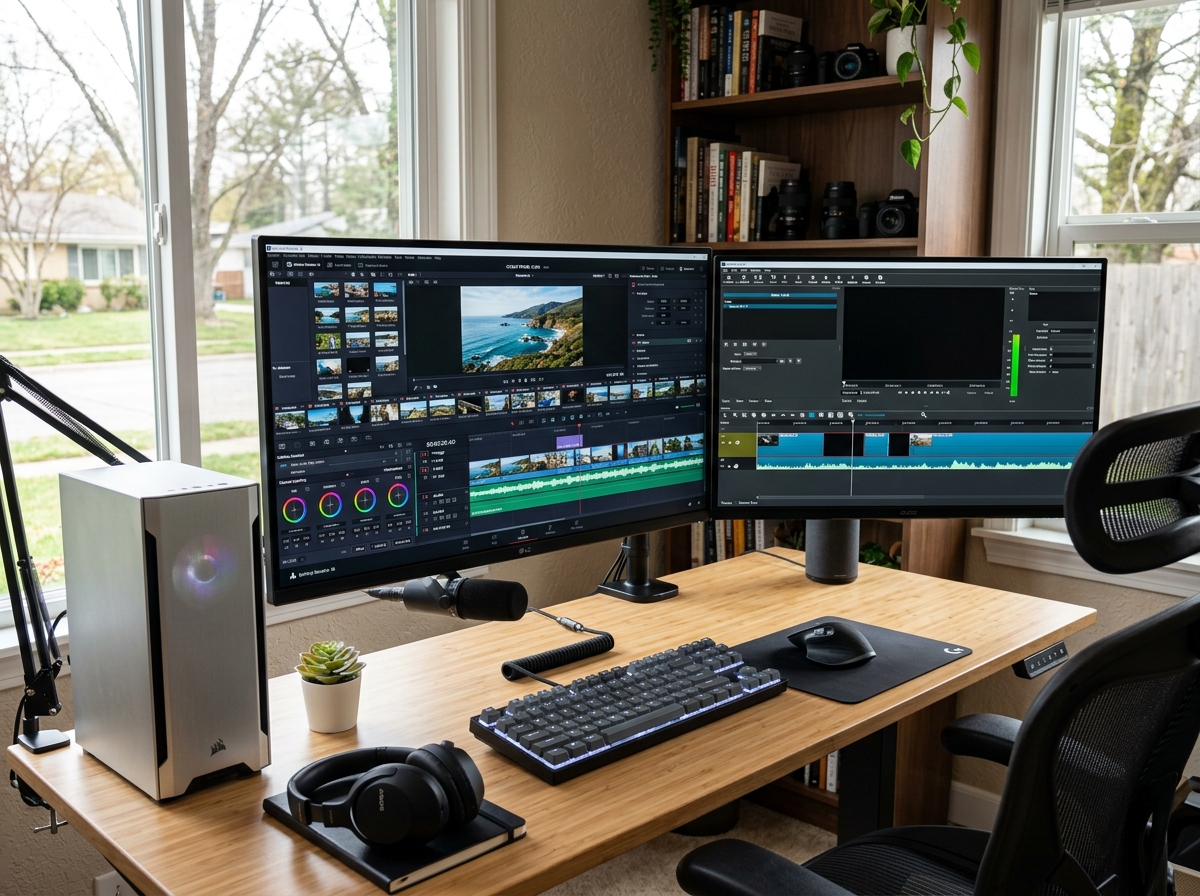
Free editing without watermark is possible right now — and you don’t need to pay a subscription to get clean, professional results on your PC. While many tools claim to be free, they often hide the best features behind a paywall or stamp your work with a logo. Finding a reliable tool that supports high resolution is the key to professional video editing.
Note: Some editors are watermark-free only under specific conditions — always check export settings before starting a project.
A watermark is a logo or text overlay a software company places on your exported video. It’s usually semi-transparent, sitting in a corner of the frame. For casual home videos, it’s a minor annoyance. But for YouTube channels, client work, or social media content, a watermark signals “amateur” immediately — and it hands your branding real estate to someone else’s company.
The problem is that many tools advertise themselves as free but quietly stamp your finished video with their logo. Even some “no watermark” lists include software that only removes the watermark if you pay.
That’s exactly why this guide exists.
I’m Faisal Shahzad, and I’ve spent years testing mobile and PC video editors — including every major free option — to find tools that deliver genuine free editing without watermark for creators who just want clean results. In the sections below, I’ll walk you through exactly what to look for in a tool and how to achieve the best results.
Why Software Uses Watermarks and What To Look For
When we talk about free editing without watermark, we first have to understand why those pesky logos appear in the first place. For most software developers, a watermark is a marketing tool and a “nudge” toward a paid subscription. It functions as a digital footprint that advertises their brand every time you share your creation.
Many “free” editors are actually limited trials. They give you access to the full suite of tools to hook you on the interface, but they hold your final project hostage. When you hit “Export,” you are faced with a choice: pay a monthly fee or accept a giant logo smack-dab in the middle of your footage. This is common with many popular desktop suites, where the “free” version is essentially a demo.
When searching for a truly free editor, you need to look for several key factors:
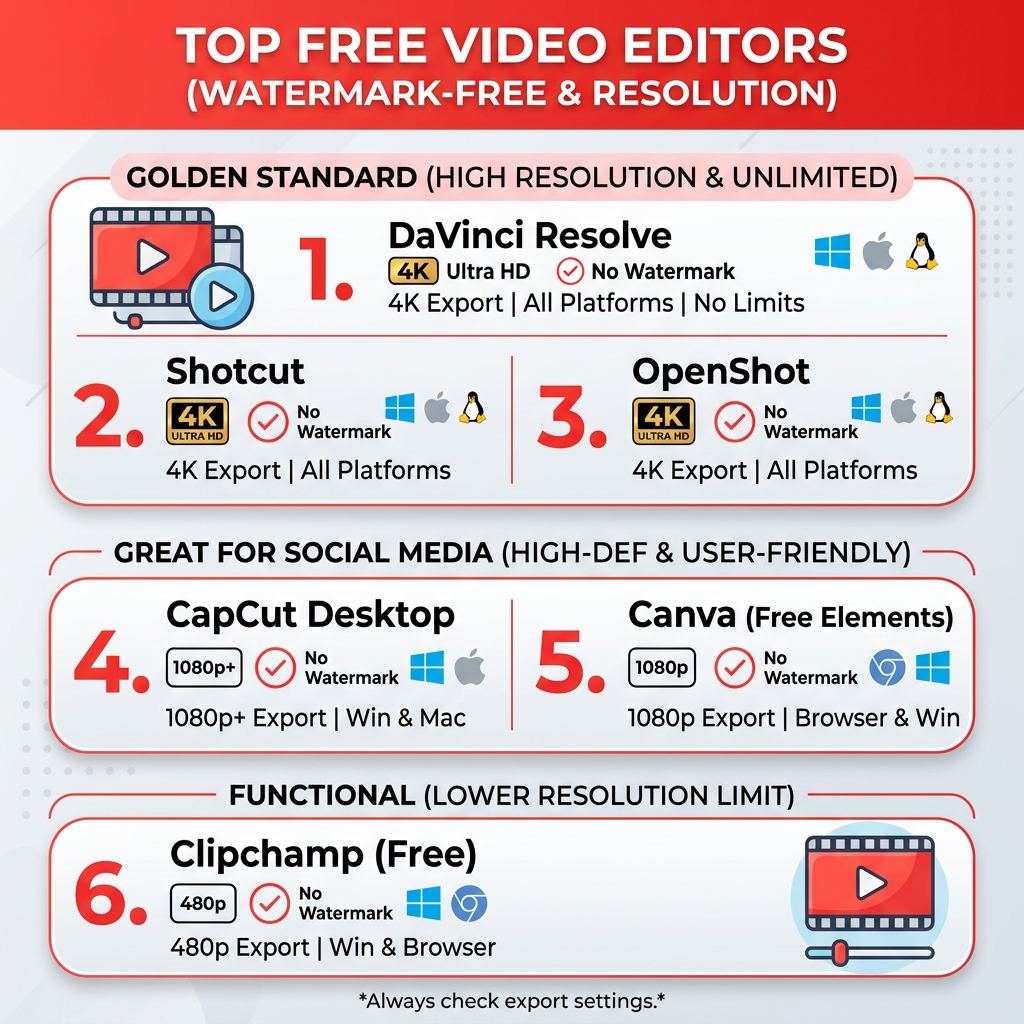
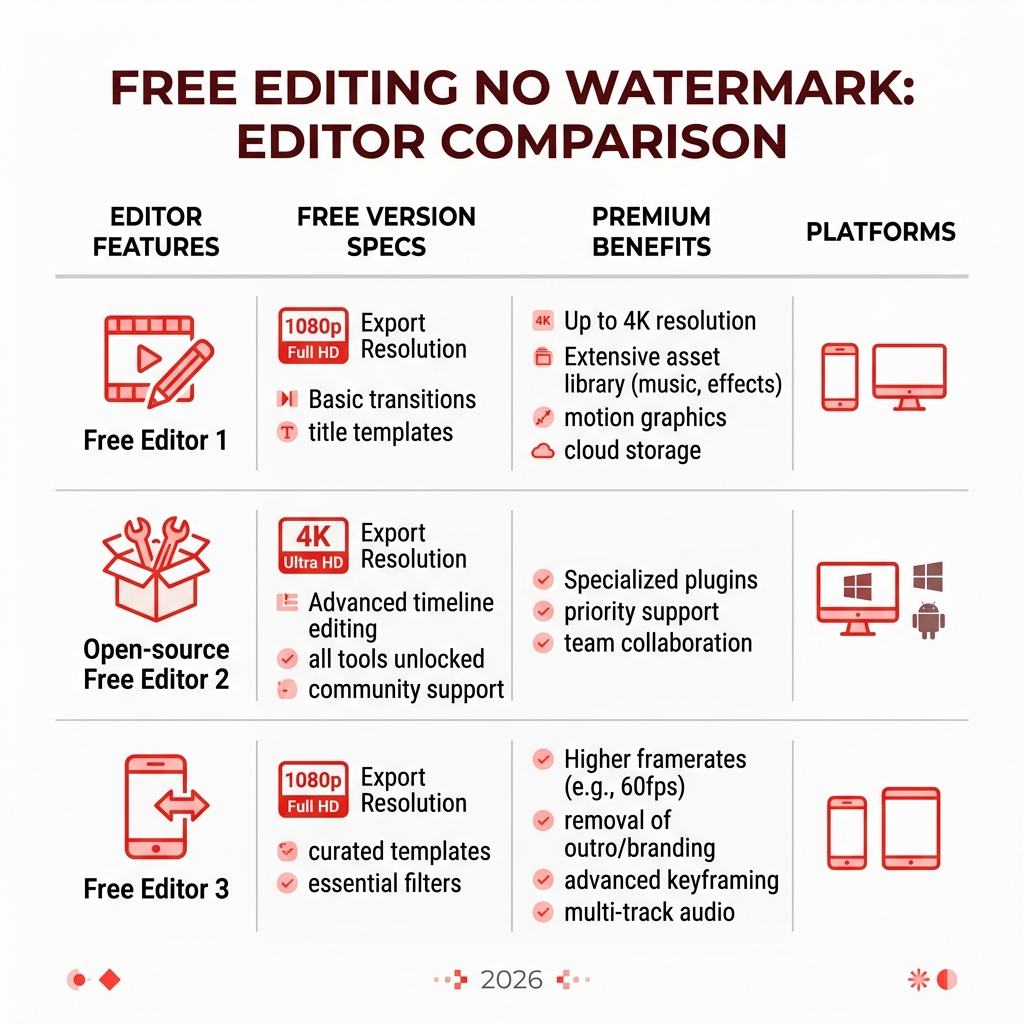
- Monetization Model: Is the software open-source? If so, it’s usually watermark-free. Is it a “freemium” model? If so, check if the watermark is removed only for low-resolution exports.
- Export Restrictions: Some editors allow free editing without watermark but cap your quality at 720p or even 480p. If you want 4K or 1080p, you might have to look at specific modded versions or professional-grade free tools.
- Hidden Branding: Some tools don’t put a logo on the video but add an “outro” or “intro” card with their branding. A true clean cut means no forced branding at all.
- Trial Period: Does the “no watermark” feature expire after 7 days? You want a tool that offers permanent free access.
KineMaster: Your Go-To for Watermark-Free PC Editing
While many people think of KineMaster as strictly a mobile app, it has become one of the most powerful tools for PC users who want a professional experience without the steep learning curve of desktop-native software. By using an Android emulator (like BlueStacks or Nox), you can bring the full power of KineMaster to your Windows desktop.
The benefits of using KineMaster on a PC are massive. You get the precision of a mouse and keyboard combined with the intuitive, layer-based interface that has made the app a favorite for millions of creators. When you use our modded versions, you bypass the standard limitations of the free mobile app. This means you get free editing without watermark and access to premium assets that usually require a monthly subscription.
Our version of KineMaster is designed to provide:
- Multi-layer Editing: Stack videos, images, and stickers with ease.
- Chroma Key: Professional green screen effects that work flawlessly on PC hardware.
- Speed Control: Smooth slow-motion and time-lapse effects.
- High-End Audio: An equalizer with presets and support for multiple audio formats like MP3 and AAC.
If you are tired of the “Export Watermark” pop-up, check out The Ultimate Guide to Removing KineMaster Watermarks for Free to see how you can clean up your workflow today.
How to Get KineMaster Watermark-Free on Your PC
Transitioning from mobile to PC editing is a game-changer for your productivity. Leveraging the power of your PC’s processor and RAM allows KineMaster to handle complex multi-layer projects and 4K exports much faster than a standard smartphone.
To get started with free editing without watermark on your PC, follow these steps:
- Install an Emulator: Download a reliable Android emulator on your Windows PC. This creates a virtual Android environment on your desktop.
- Download the APK: Grab the latest KineMaster Without Watermark Download from our site.
- Install and Launch: Drag and drop the APK file into your emulator.
- Maximize Performance: In your emulator settings, allocate at least 4GB of RAM and 4 CPU cores to ensure smooth 4K editing.
Using KineMaster on PC allows you to use your large monitor for precise frame trimming and color grading. It’s the perfect middle ground for someone who finds professional software too intimidating but wants better results than basic browser-based editors.
Professional Results with Free Editing Without Watermark
Achieving professional results isn’t just about removing a logo; it’s about the technical quality of the export. When we talk about free editing without watermark, we also have to talk about resolution and bitrates. A clean video that is blurry or pixelated still looks unprofessional.
For platforms like YouTube and Instagram Reels, the gold standard is 1080p (Full HD) at 30 or 60 frames per second. However, if you really want to stand out, 4K export is the way to go. 4K provides four times the detail of 1080p, which is crucial if your viewers are watching on large screens or high-end smartphones.
Key settings for professional-grade free exports:
- Resolution: Always aim for at least 1080p. If your editor supports it, go for 4K.
- Frame Rate: Use 30fps for standard vlogs and 60fps for gaming or high-action footage.
- Bitrate: This determines the amount of data processed per second. For 1080p, a bitrate of 10-12 Mbps is ideal. For 4K, aim for 35-45 Mbps.
- Codec: H.264 (MP4) is the most compatible format for social media and client delivery.
By using the right tools, you can ensure your branding remains yours. Whether you are creating a tutorial for a business or a cinematic vlog for social media, the absence of a third-party watermark immediately builds trust with your audience. They see your content, not the software you used to make it.
Frequently Asked Questions about Free Editing Without Watermark
Can I export 4K video for free?
Yes! While many “free” editors restrict 4K to their paid tiers, several options allow it. Professional-grade desktop software often provides 4K editing for free. For mobile-style editing on PC, our modded KineMaster APK supports 4K exports without charging you a cent. Always check your hardware capabilities, as 4K editing requires a decent amount of RAM and a modern processor to avoid lag.
How do I verify an editor is truly watermark-free?
The best way is to perform a “test export.” Create a 5-second project with a single clip, hit export, and check the final file. Some editors are sneaky—they might not show a watermark in the preview but add one during the final render. Also, read the “Free Plan” details carefully. If it says “Watermark-free for the first 3 exports,” it’s not a truly free solution.
Are there time limits on free watermark-free editors?
It depends on the platform. Many online/browser-based editors might limit the length of your video (e.g., under 10 minutes) if you want to export without a watermark or at high resolution. Open-source desktop software and our modded KineMaster versions generally have no time limits, allowing you to edit long-form content like documentaries or full-length tutorials for free.
Conclusion
Finding the right tool for free editing without watermark doesn’t have to be a headache. Whether you choose a professional-grade desktop suite or a versatile, intuitive option like KineMaster, the goal is the same: keeping your content clean, professional, and uniquely yours.
We believe that high-quality video creation should be accessible to everyone, regardless of their budget. By leveraging the power of PC emulators and premium-unlocked features, you can access 4K exports, advanced transitions, and thousands of templates without the burden of a monthly subscription.
Ready to start your next project with zero branding interference? Get the KineMaster Pro APK Download 2025 Full Unlocked No Watermark KineMaster Mod APK and see the difference a clean cut makes. Happy editing!











 Best Kinemaster MODs9 months ago
Kinemaster for Beginners: Your First Video in 15 Minutes (No Experience Needed)

 Kinemaster Black2 years ago
KineMaster Black Download Latest Version v8.5

 Red Kinemaster Download2 years ago
Red Kinemaster Download Apk Latest Version v7.4.11.32428.GP Without Watermark
- Kinemaster Old Version2 years ago
KineMaster Old Versions 7.4.10.32410.GP Without Mark
- Kinemaster Diamond Mod Apk2 years ago
Kinemaster Diamond Mod Apk Download Pro Version V7.4.0.32260.GP
- Kinemaster without watermark2 years ago
Kinemaster without watermark Download Latest Version 4.15.5.17370.GP
- Best Kinemaster MODs11 months ago
kinemaster pro apk download 2025 full unlocked + no watermark kinemaster mod apk
- Kinemaster Blue Apk2 years ago
Kinemaster Blue Apk Download Without Watermark | Latest Version]